Navigating the Rising Tide of Sophisticated Social Security Imposter Scams Targeting Seniors and Family Caregivers

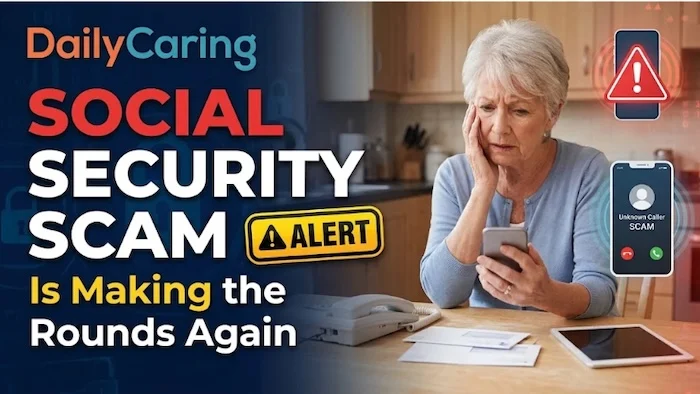
Family caregivers already carry a staggering load, balancing complex medical schedules, household management, and the financial administration of aging loved ones. In recent months, that burden has grown heavier due to an escalating wave of cyber fraud. Federal regulators and consumer protection agencies have issued urgent warnings regarding a sophisticated evolution in government imposter scams: fraudulent emails designed to mimic official Social Security statement notifications.
Because older adults frequently track their benefits, annual cost-of-living adjustments (COLA), and retirement records online, these deceptive messages weaponize routine financial tasks. Designed to look identical to legitimate agency correspondence, the emails create a false sense of urgency that can easily trap unsuspecting seniors. For family caregivers, understanding the mechanics of these digital traps is no longer optional—it is a critical component of safeguarding fixed retirement incomes against identity theft and financial ruin.
Anatomy of a Phishing Campaign: How the Fraud Operates
The scheme typically begins with an unsolicited email delivered directly to an older adult’s inbox. The message alerts the recipient that their latest Social Security statement is ready for review or download. To bypass suspicion, cybercriminals meticulously copy official government logos, agency typography, and professional formatting layouts.
According to formal alerts issued by the Social Security Administration (SSA) Office of the Inspector General (OIG), clicking the embedded links or downloading attachments within these emails directs victims to counterfeit landing pages. These malicious sites are engineered to mimic the official government portal, prompting users to sign in and thereby harvesting sensitive data, including Social Security numbers, login credentials, and banking details. In other variants of the scam, opening an attached file silently installs malware onto the device, granting fraudsters backdoor access to personal files, stored passwords, and financial records.
Comparing Legitimate Communications Versus Phishing Threats
To help families distinguish between authentic government notices and fraudulent attempts, cybersecurity experts and federal regulators outline clear operational differences:
- Sender Address: Legitimate emails from the agency exclusively originate from web domains ending strictly in ".gov." Fraudulent messages typically rely on free public webmail services or spoofed lookalike domains designed to trick casual observers.
- Links and Files: Official agency alerts provide general administrative directions without embedding direct document links, PDFs, or ZIP files. Scam emails, by contrast, feature direct download buttons or attachments designed to trigger malware execution.
- Call to Action: Authentic notices serve as neutral courtesy updates informing users that a message is waiting inside their secure portal. Phishing campaigns rely heavily on aggressive urgency, threatening benefit freezes, suspensions, or legal action if the recipient fails to act immediately.
- Data Requests: Legitimate government portals never request Social Security numbers, bank routing numbers, or account passwords via email. Phishing sites explicitly demand this data under the guise of "unlocking" or "verifying" statements.
Key Warning Signs of Modern Digital Deception
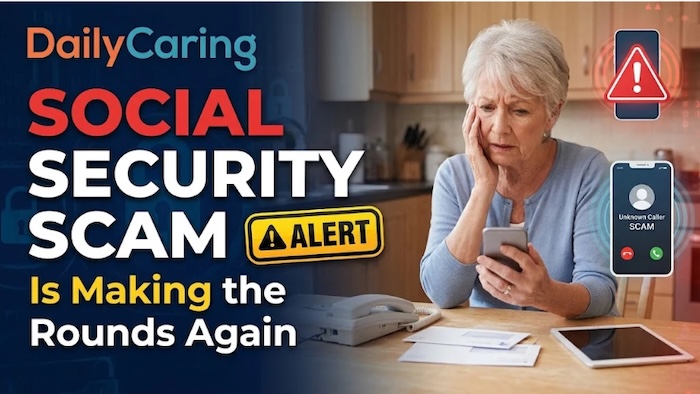
Spotting fraudulent communications requires careful scrutiny of email headers and messaging tone, as cybercriminals have grown adept at mimicking visual aesthetics. Families should train themselves and their aging relatives to recognize three primary red flags.
First, any communication where the sender domain does not conclude in ".gov" must be treated as an automatic threat. Even if an email features high-resolution government seals, a public email extension or subtle spelling variation in the web address exposes the fraud.
Second, the presence of direct links bypassing the main portal is a hallmark of phishing. The SSA never forces users to click a direct link to view personal documents. Instead, real notifications instruct account holders to open an independent browser window and log into their dashboard manually.
Third, artificial urgency remains a primary psychological weapon for fraudsters. Scam messages frequently claim that retirement benefits will be interrupted or canceled
unless the recipient confirms personal details immediately. Federal authorities emphasize that the government never suspends benefits over an unanswered email or a missed link click.
Evaluating the Broader Impact on Vulnerable Populations
The rise of digital statement scams highlights a troubling vulnerability in the modern retirement landscape. As government agencies transition toward paperless, digital-first communication models to reduce administrative costs, older demographics are forced to navigate an increasingly complex online ecosystem.
For aging adults experiencing cognitive decline, visual impairments, or unfamiliarity with modern cybersecurity protocols, distinguishing between a legitimate system alert and a phishing attempt can be exceptionally difficult. Because fixed retirement incomes leave little room for financial error, the successful theft of banking details or identity credentials can be catastrophic. Victims often face months or years of administrative nightmares trying to restore stolen benefits, repair damaged credit ratings, and secure compromised accounts. Furthermore, the psychological toll—manifesting as profound anxiety, embarrassment, and a loss of independence—can severely impact an older adult’s overall well-being.
Best Practices for Caregivers: Defensive Strategies

Cybersecurity professionals recommend a strict, proactive browsing habit to mitigate these risks: the "Type, Don’t Tap" rule. Rather than interacting with links or buttons inside an email notification regarding benefits or taxes, family members should open a clean browser window, manually navigate to the official portal, and log in securely.
Caregivers should also take time to audit their older loved ones’ digital environments. This includes checking spam filters, bookmarking legitimate government URLs directly in the web browser, and establishing a clear family protocol: never click links in unexpected emails concerning money, taxes, or government benefits. Establishing an open dialogue where an aging parent feels comfortable asking for a second opinion before clicking can neutralize the primary advantage fraudsters rely on.
Immediate Response Protocols for Compromised Accounts
If a family member or caregiver suspects that an aging relative has fallen victim to a phishing campaign—whether by clicking a link, downloading an attachment, or submitting personal data—swift, decisive action is essential to limit the damage.
- Secure the Device: Disconnect the affected computer, tablet, or smartphone from the internet immediately to prevent ongoing data exfiltration or malware communication. Run a reputable antivirus scan to detect and remove malicious software.
- Update Credentials: Change passwords immediately for the primary email account, financial institutions, and online government portals. Enable multi-factor authentication (MFA) wherever available.
- Contact Financial Institutions: Notify banks, credit unions, and credit card issuers to freeze compromised accounts, monitor for unauthorized transactions, and issue new card numbers.
- Report the Fraud: File formal complaints with federal agencies, including the Social Security Administration Office of the Inspector General, the Federal Trade Commission (FTC) at identitytheft.gov, and the Internet Crime Complaint Center (IC3) operated by the FBI.
Securing Peace of Mind in a Digital Era
Navigating the day-to-day responsibilities of eldercare is demanding enough without the constant threat of digital predators exploiting the inbox. Because aging adults rely so heavily on predictable retirement income, deceptive benefit notifications naturally provoke intense anxiety, making these scams uniquely insidious.
Families do not need advanced technical expertise to maintain digital safety. By establishing consistent preventive routines—such as ignoring unsolicited email links and accessing official portals directly—caregivers can effectively disarm modern fraudsters. Through open communication, proactive digital hygiene, and a commitment to verifying suspicious communications, households can protect their hard-earned benefits and preserve both financial security and peace of mind.